CampList.guide

How to use CampList

The numbers on each picture match the notes under it.

  1. 1Make a list
  2. 2Check things off
  3. 3Save, print or share

Basics

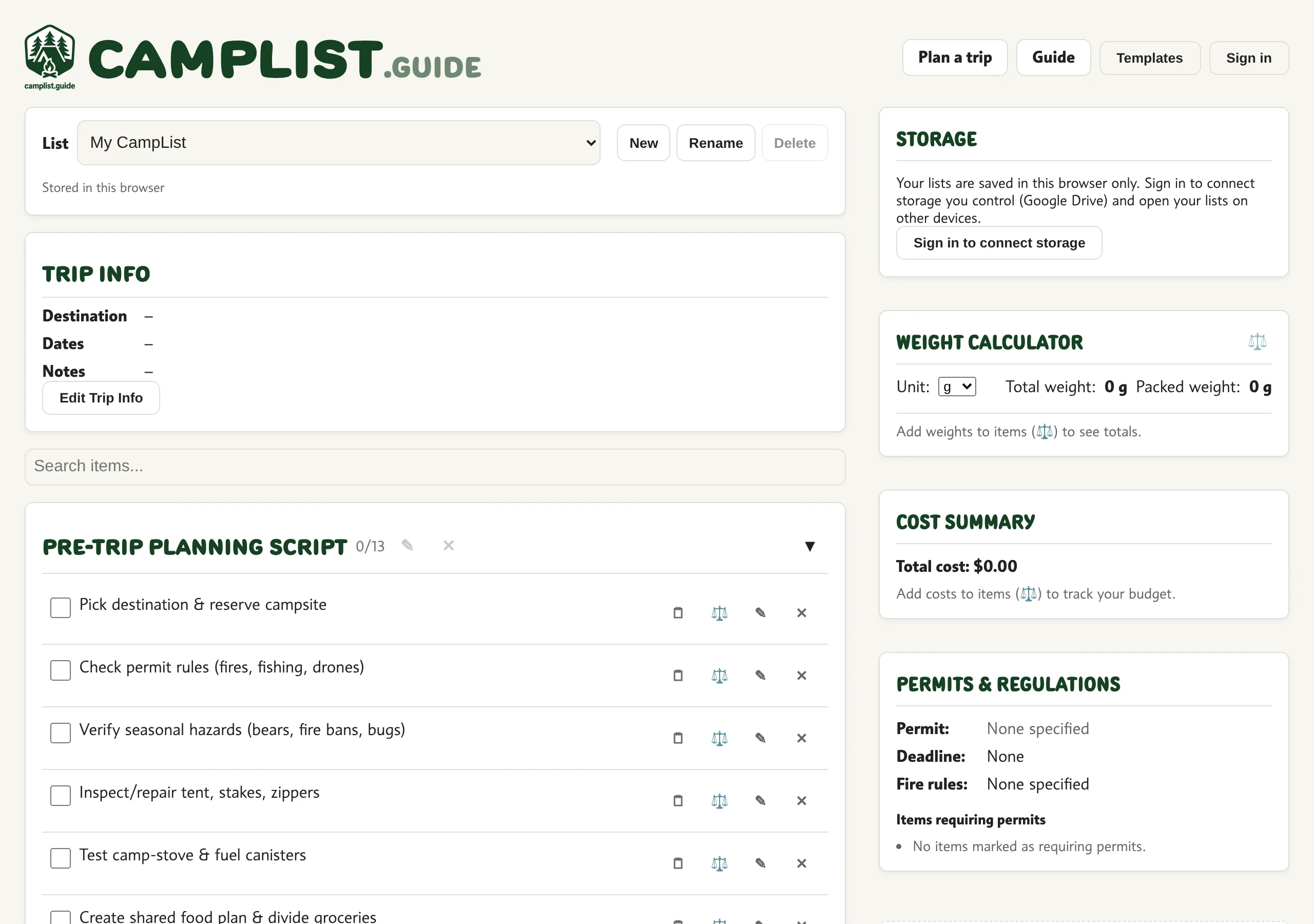
1The screen

123456
  1. 1Your lists
  2. 2Trip info
  3. 3Checklist
  4. 4Trip tools
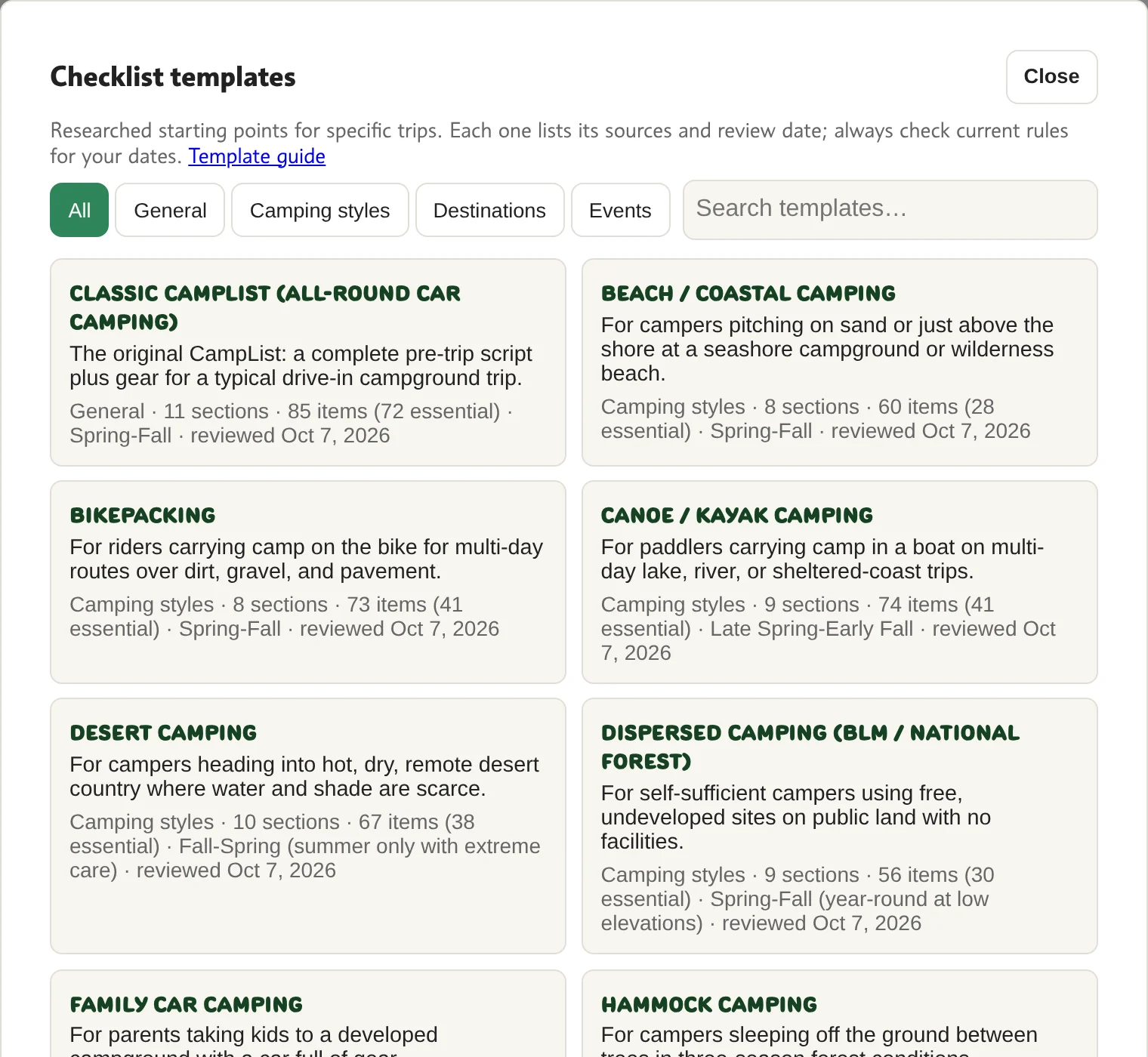
  5. 5Templates
  6. 6Sign in (optional)

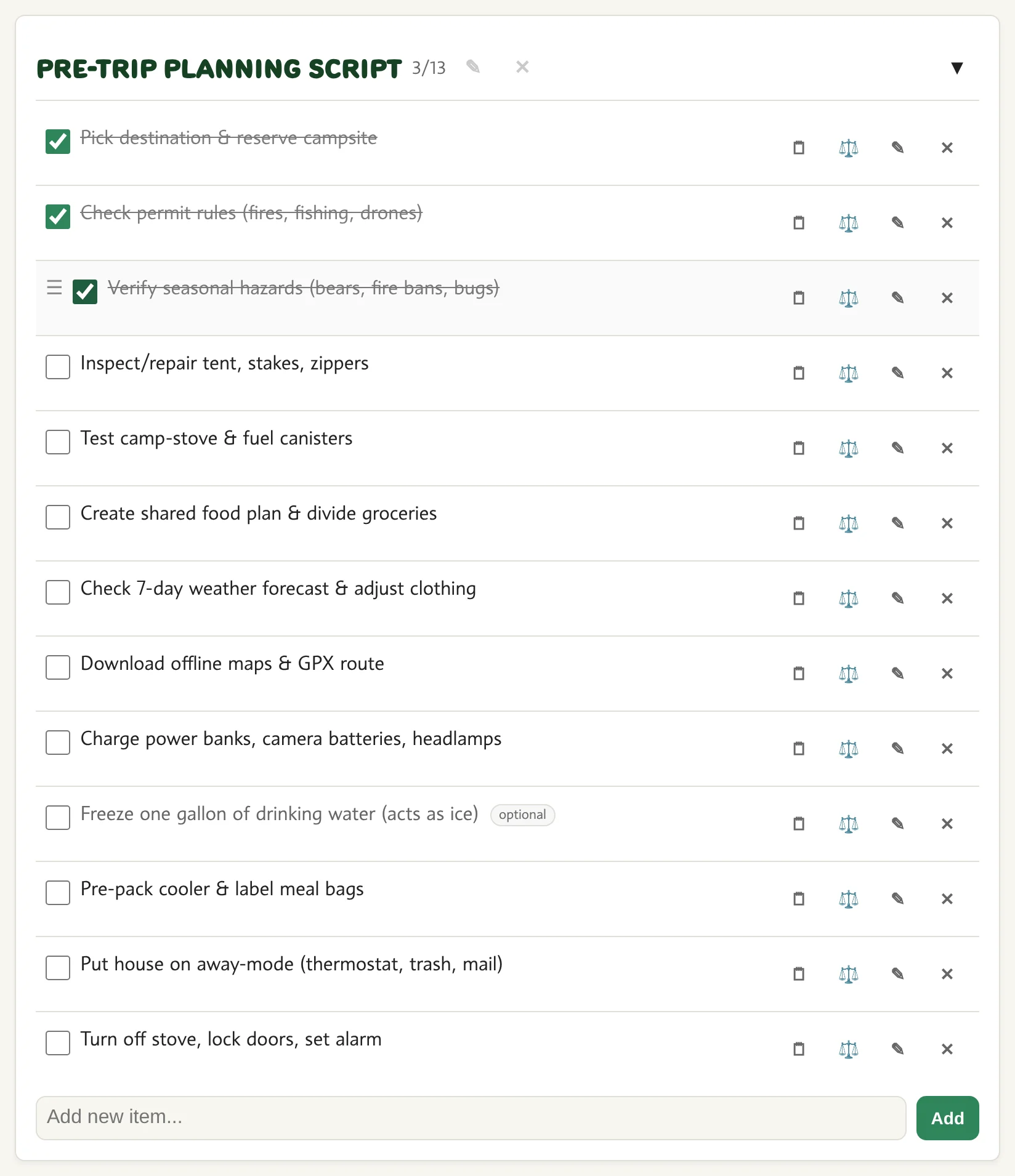
2Check things off

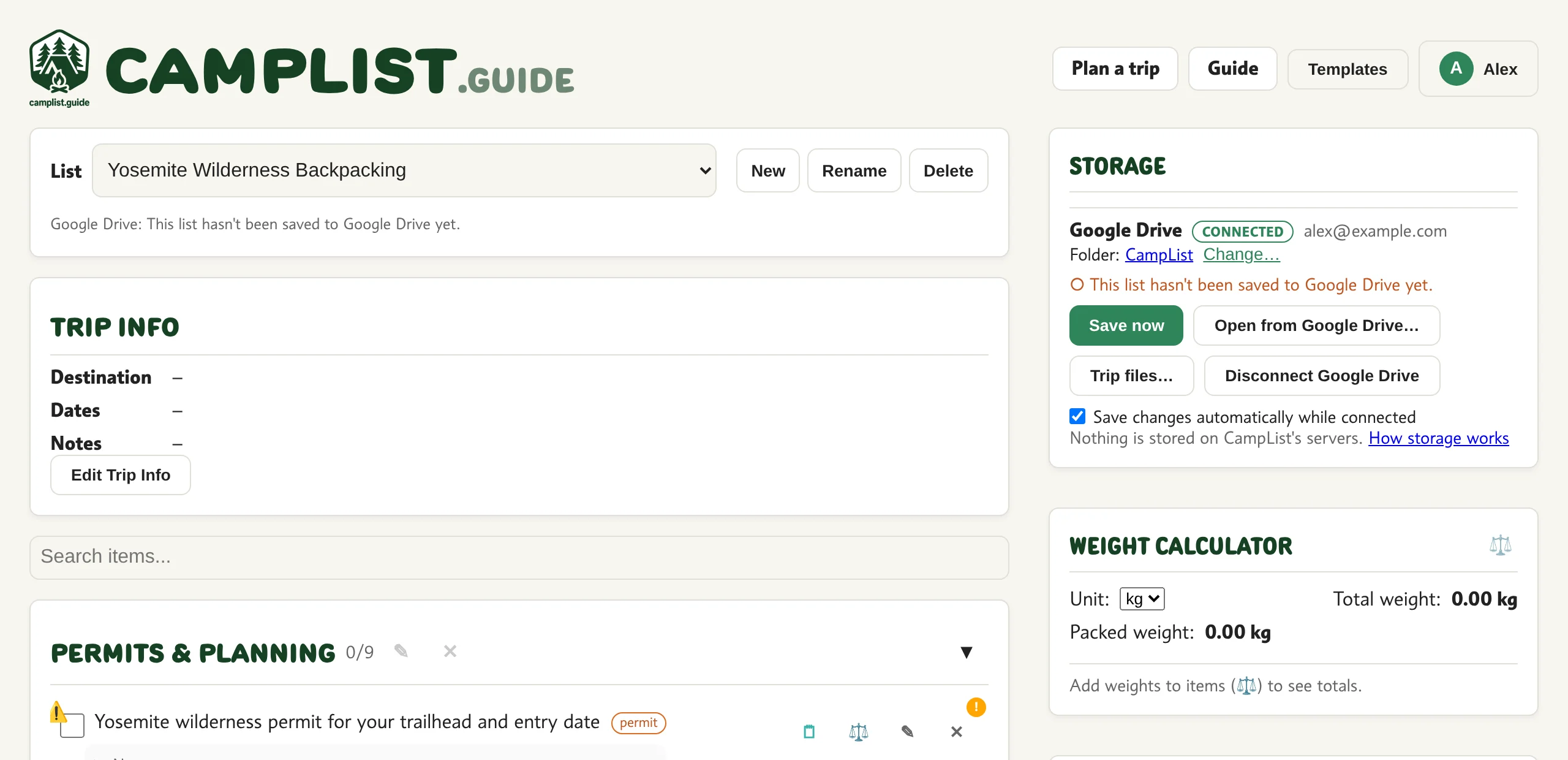
1234
  1. 1Tap to check
  2. 2Done / total
  3. 3Fold the section
  4. 4Optional item

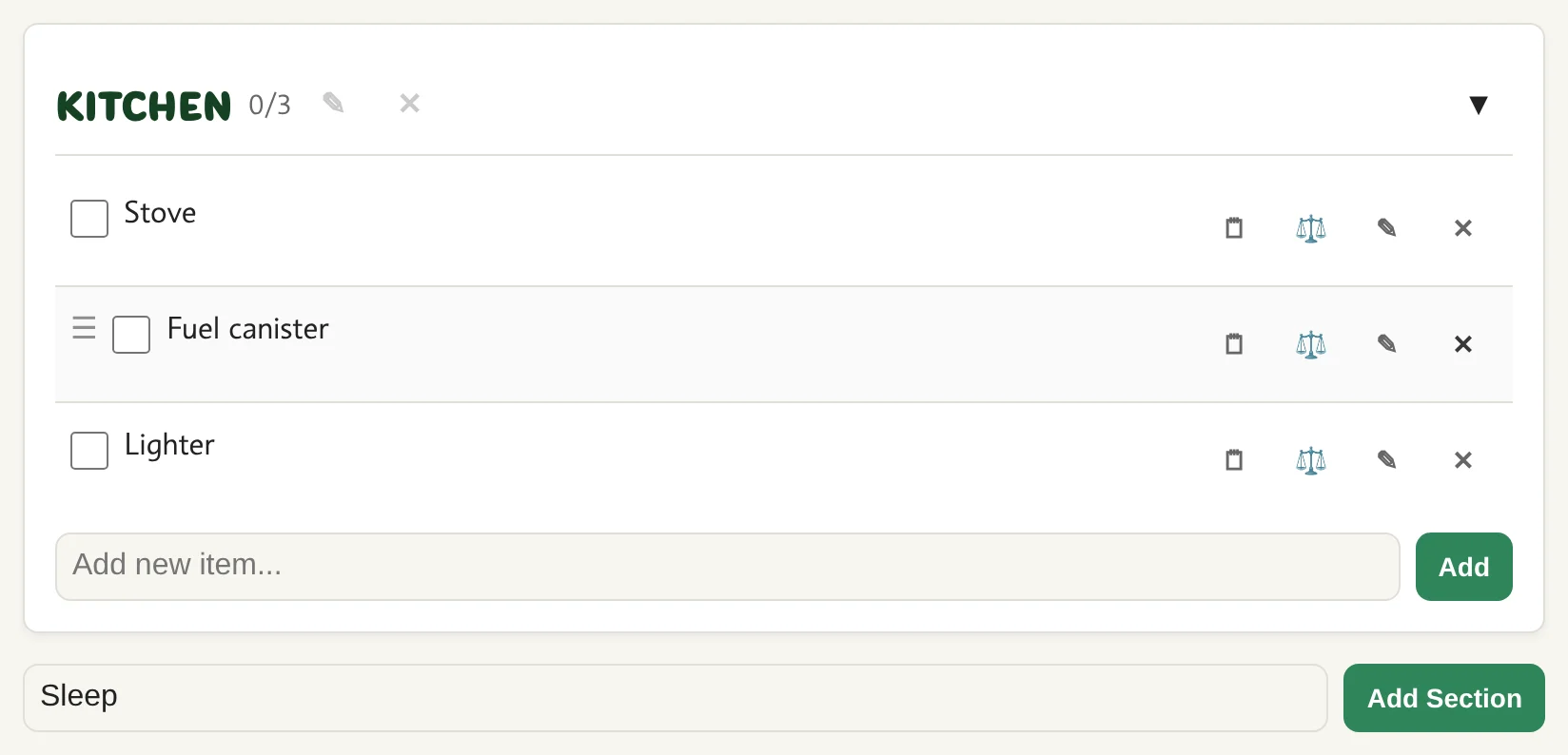
3Add items and sections

1234
  1. 1Type an item
  2. 2Add
  3. 3Type a section name
  4. 4Add section

4Item tools

12345
  1. 1Drag to reorder
  2. 2Note
  3. 3Weight, cost, status
  4. 4Rename
  5. 5Delete

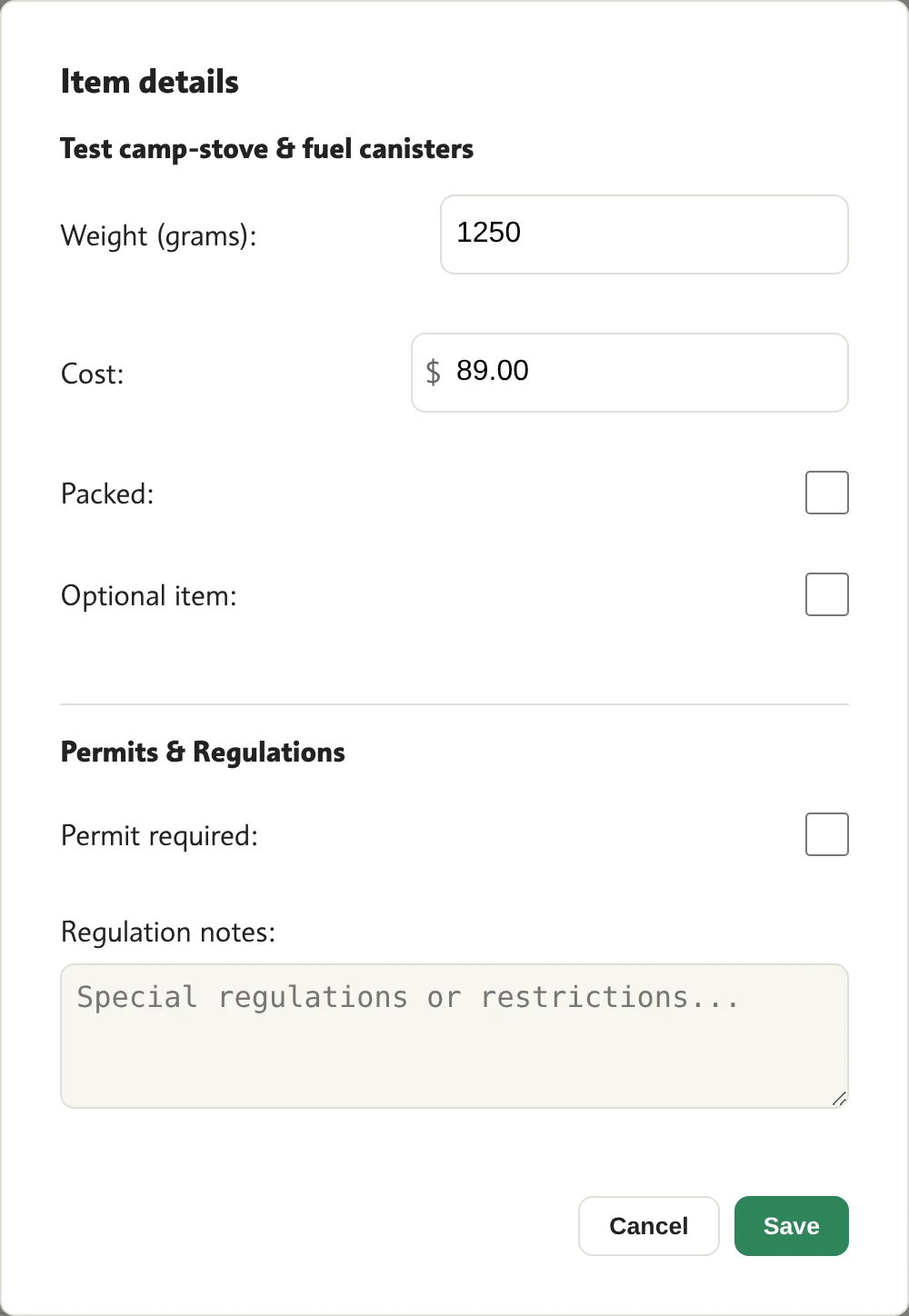
5Item details

123456
  1. 1Weight
  2. 2Cost
  3. 3Packed
  4. 4Optional
  5. 5Needs a permit
  6. 6Save

Trip tools

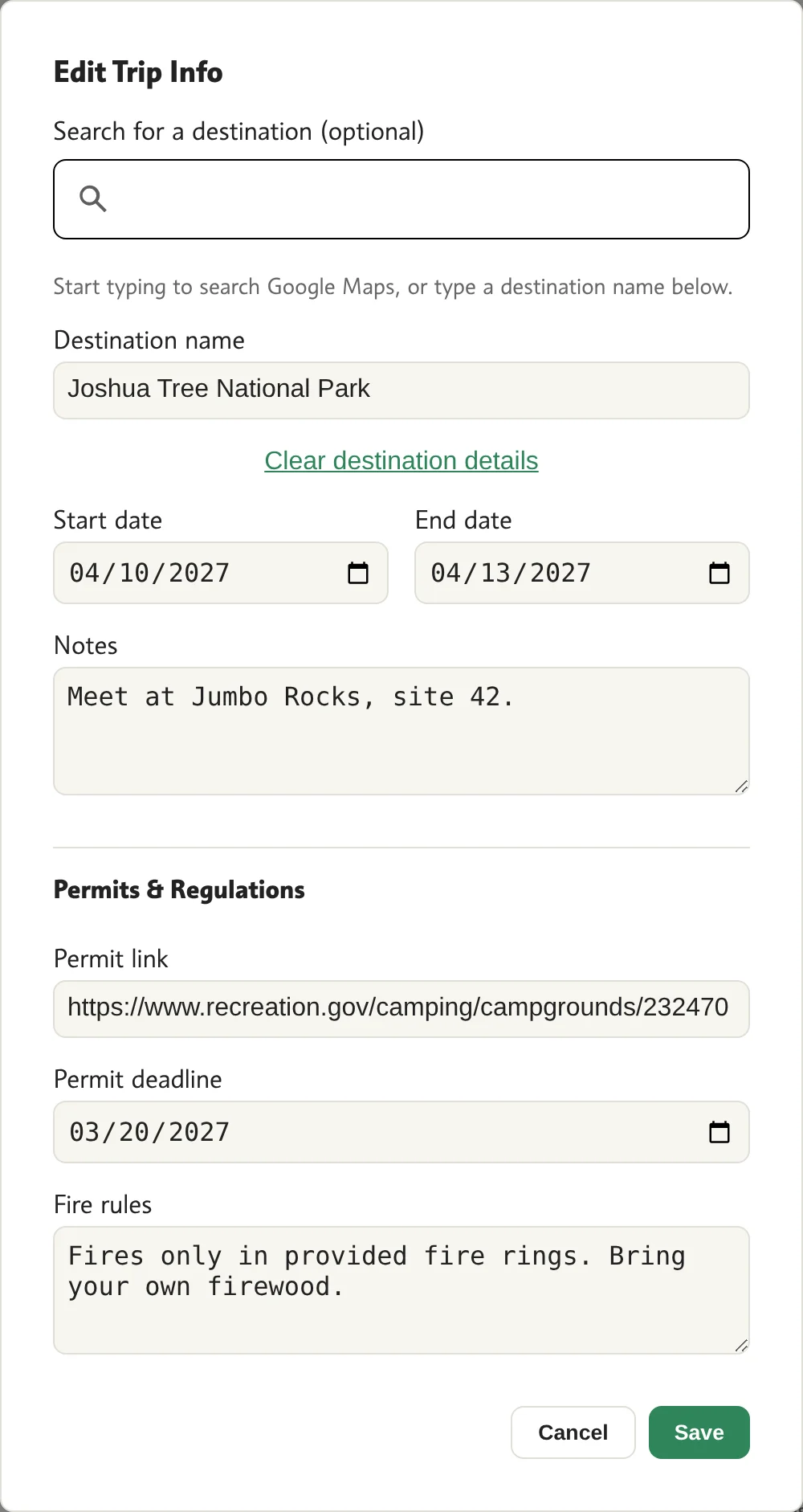
7Trip info

12345678
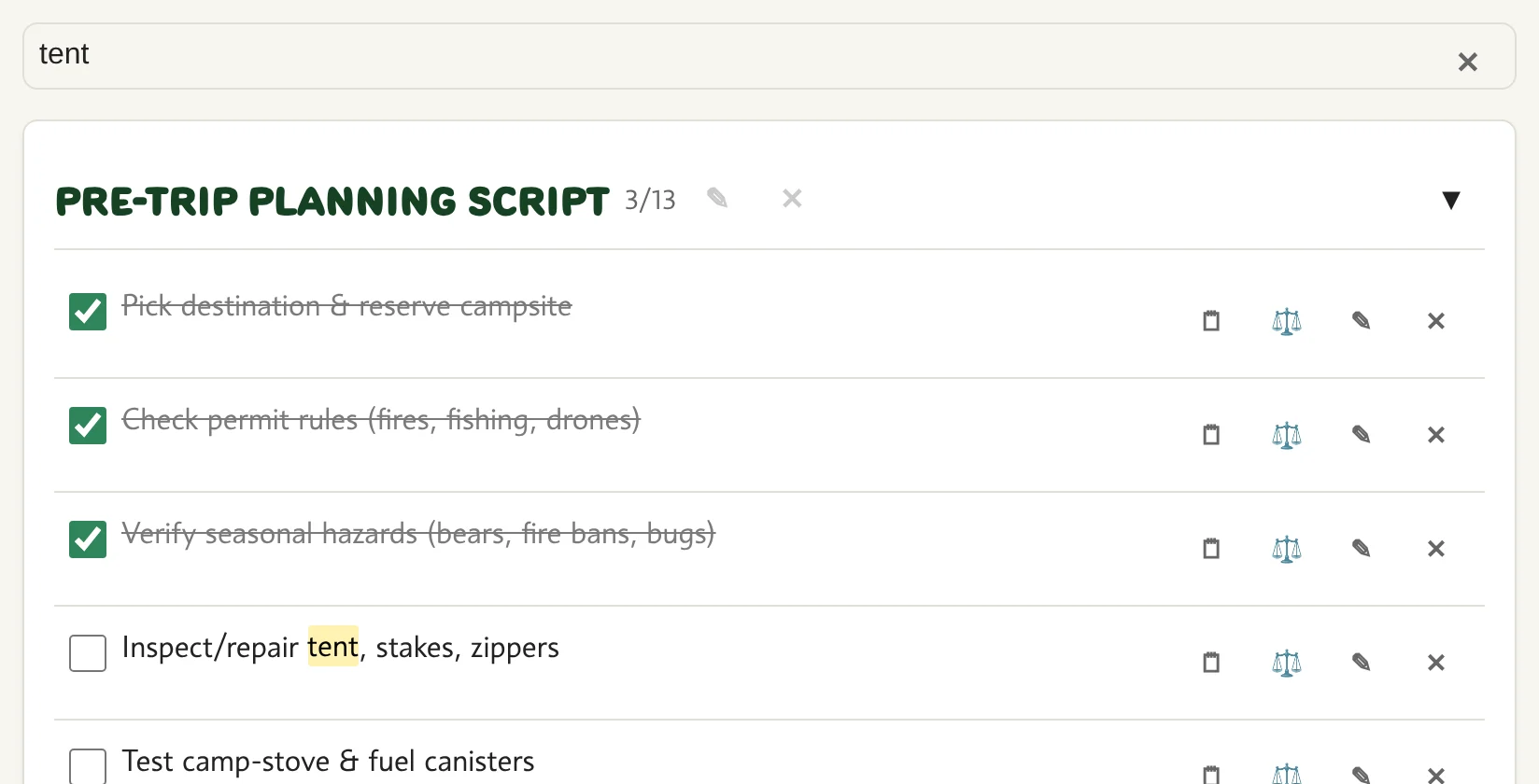
  1. 1Search a place
  2. 2Destination
  3. 3Dates
  4. 4Notes
  5. 5Permit link
  6. 6Permit deadline
  7. 7Fire rules
  8. 8Save

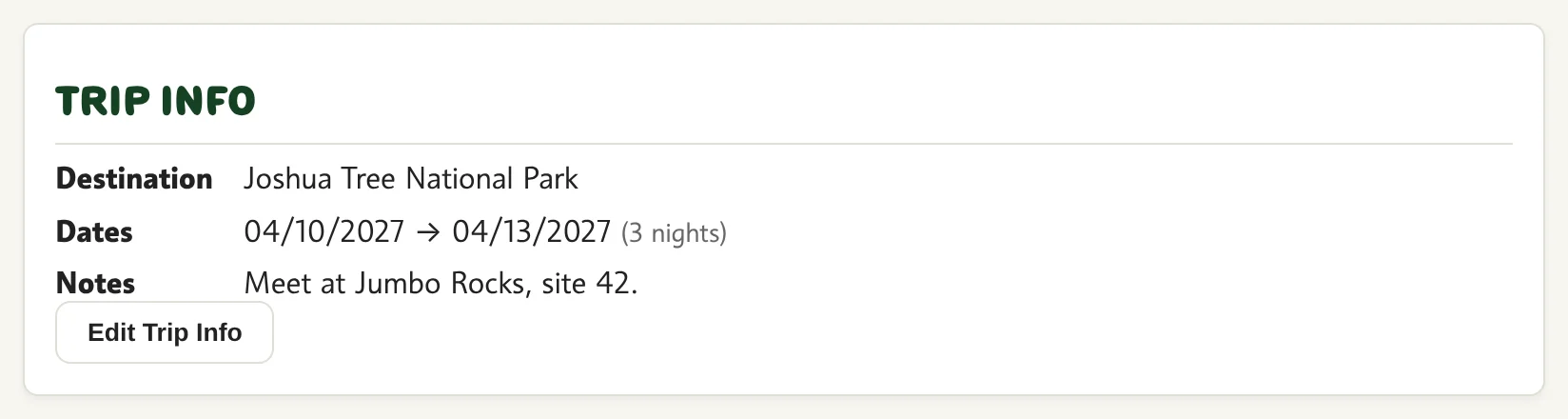
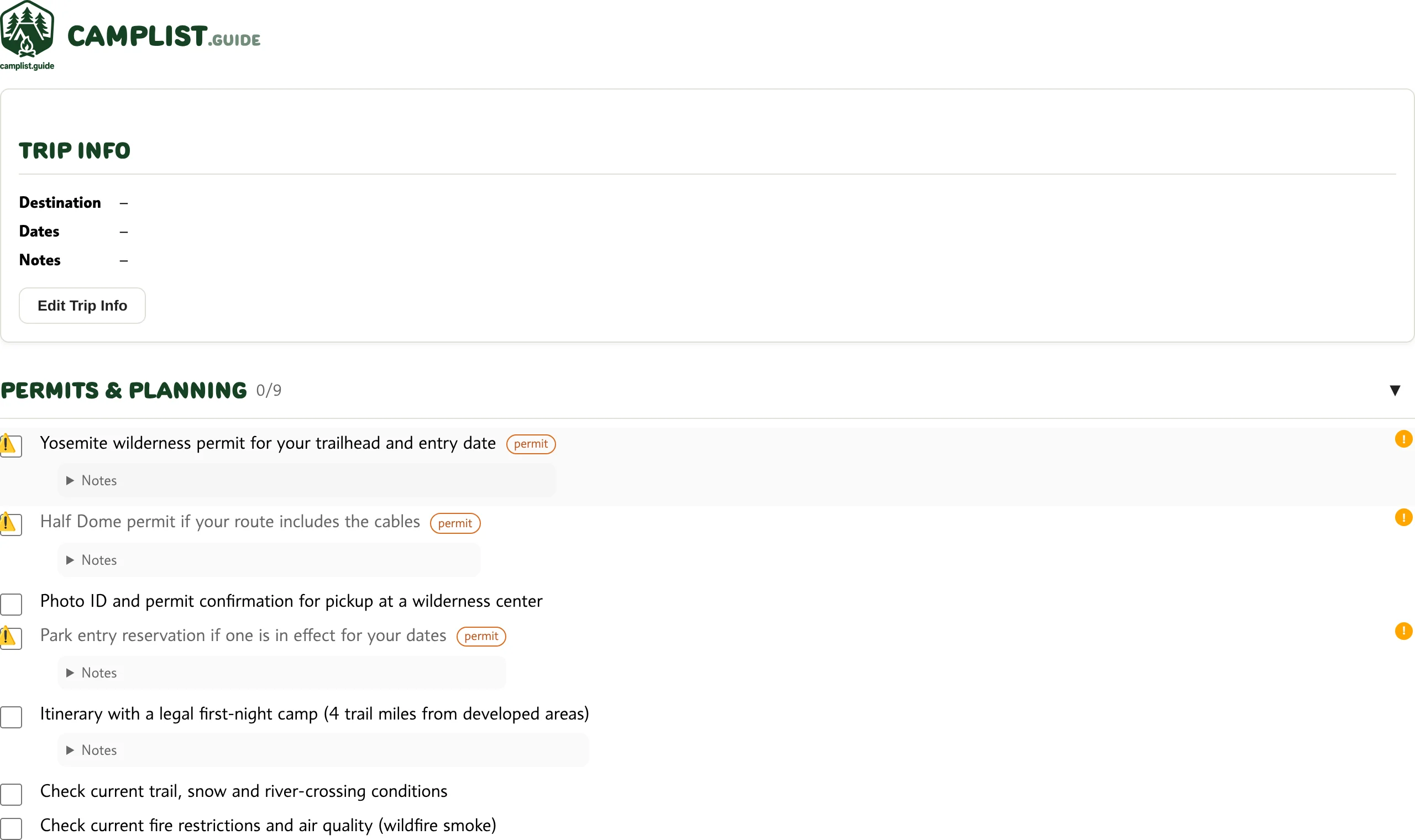
8Trip info on your list

1
  1. 1Edit trip info

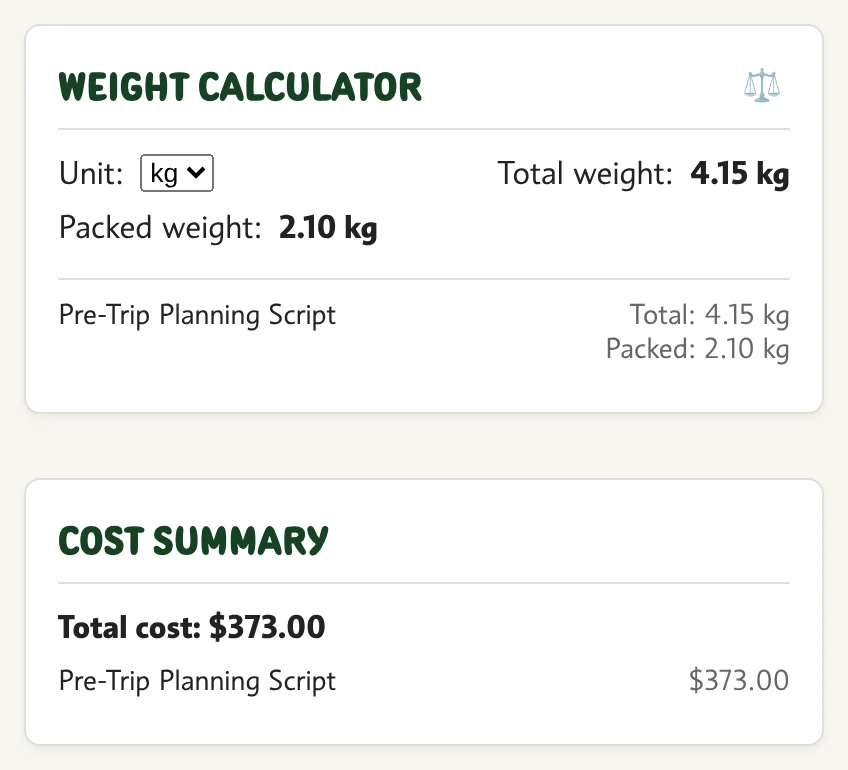
9Weight and cost

1234
  1. 1Unit
  2. 2Total weight
  3. 3Packed weight
  4. 4Total cost

Totals come from item details.

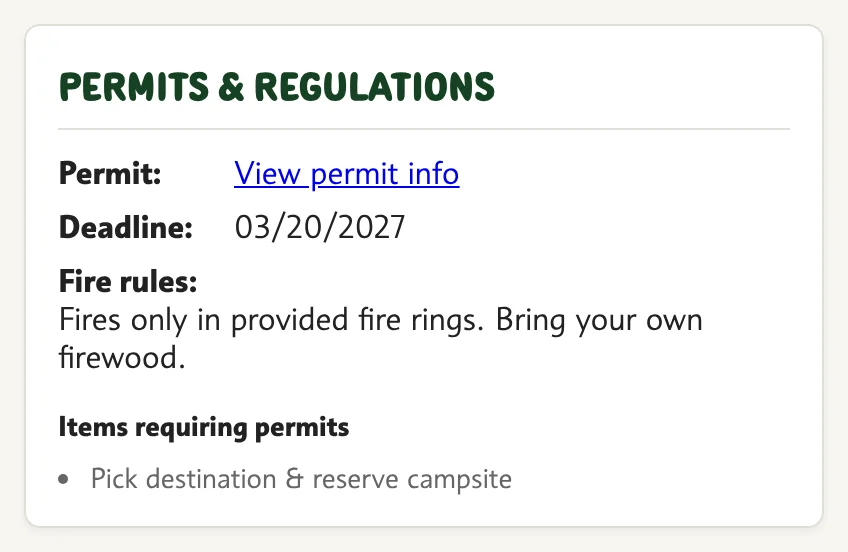
10Permits and rules

1234
  1. 1Permit link
  2. 2Deadline
  3. 3Fire rules
  4. 4Items that need a permit

Lists and templates

11More than one list

12345
  1. 1Switch list
  2. 2New list
  3. 3Rename
  4. 4Delete
  5. 5Where it is saved

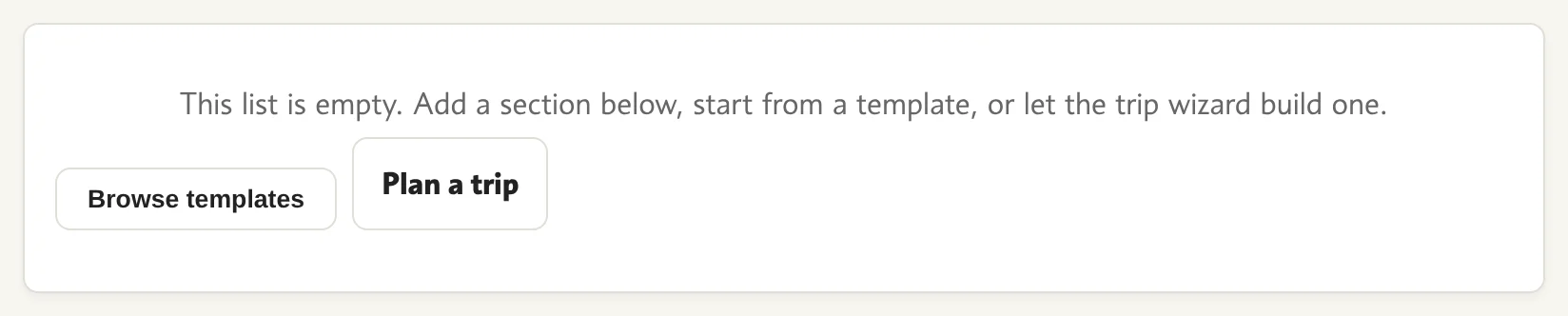
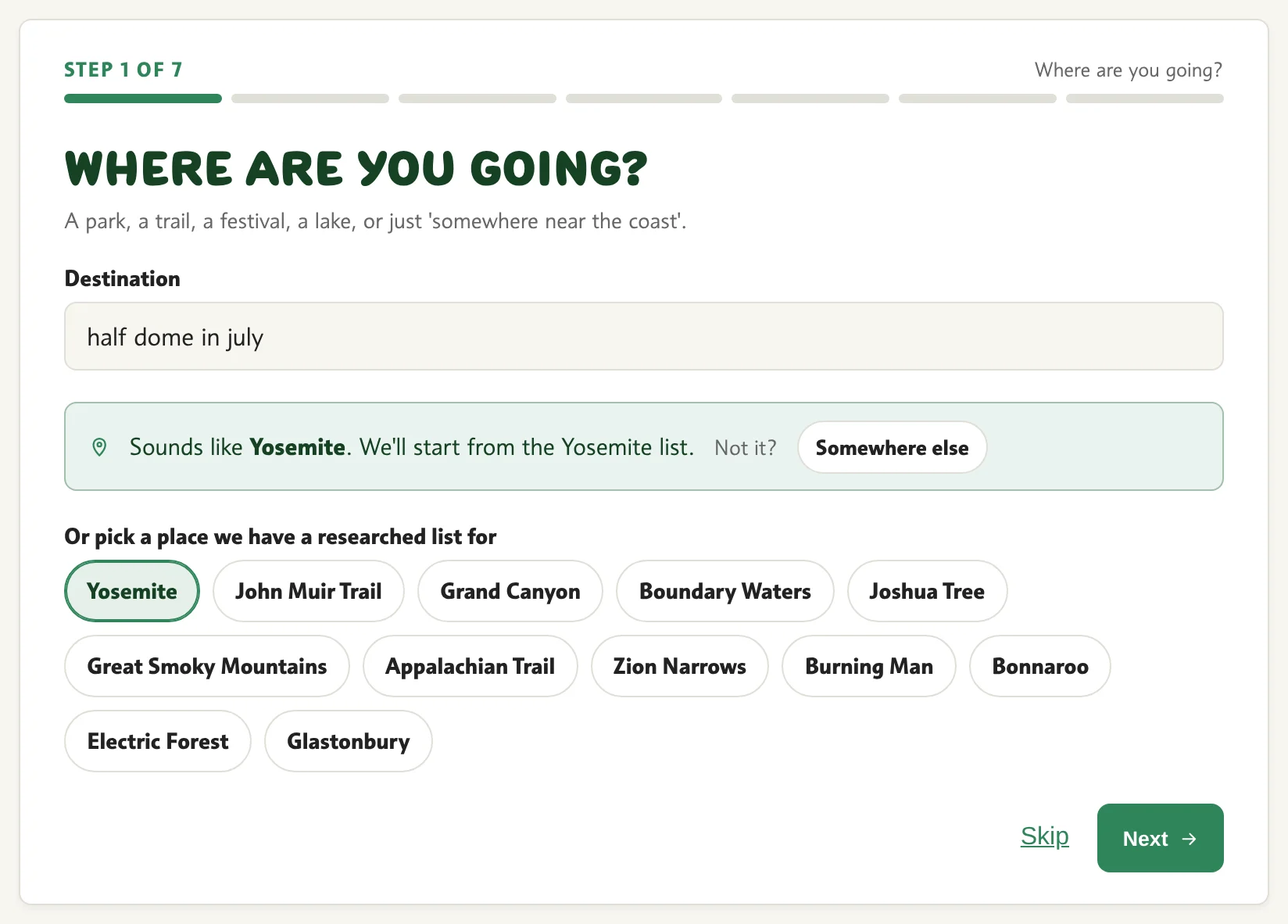
14Or let the trip wizard build it

1234
  1. 1Type where you are going
  2. 2What we made of it
  3. 3Or tap a place
  4. 4Next question

Seven questions. Type a place or tap one.
Save and print

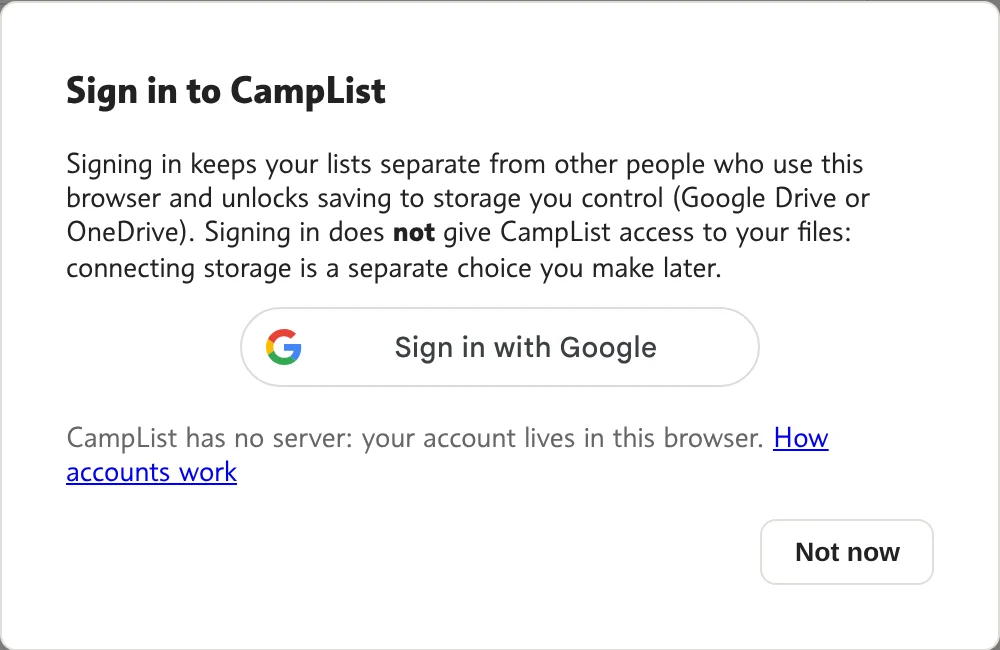
15Sign in (optional)

12
  1. 1Sign in with Google
  2. 2Skip for now

Signing in keeps your lists apart from other people on this device.
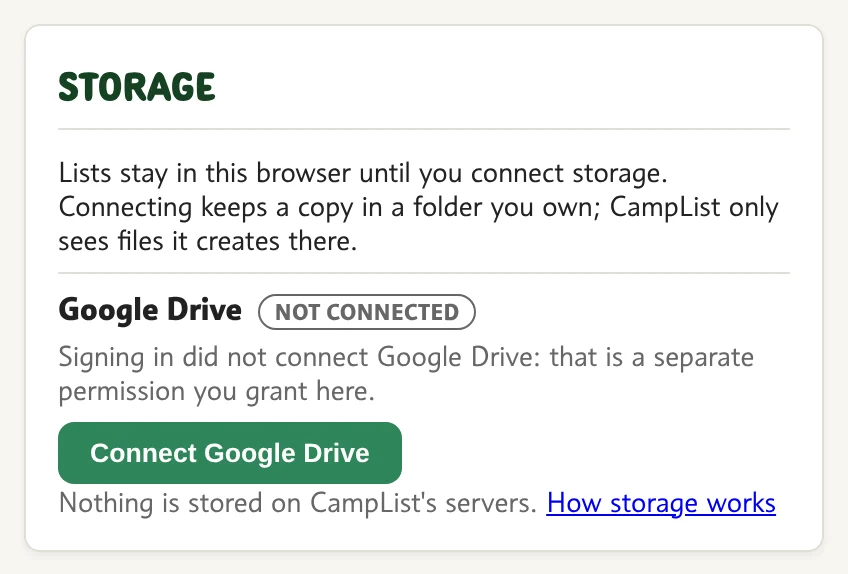
16Connect your Google Drive

12
  1. 1Not connected yet
  2. 2Connect

Lists stay in this browser until you connect storage you own.
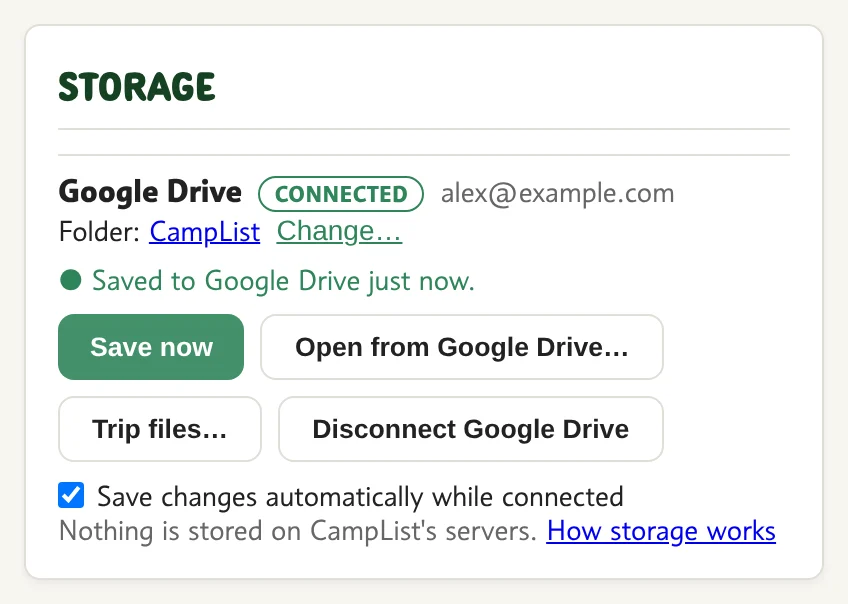
17Saved in your Drive

1234567
  1. 1Connected
  2. 2Last save
  3. 3Save now
  4. 4Open a list from Drive
  5. 5Trip files
  6. 6Disconnect
  7. 7Save automatically

CampList only sees the files it creates.
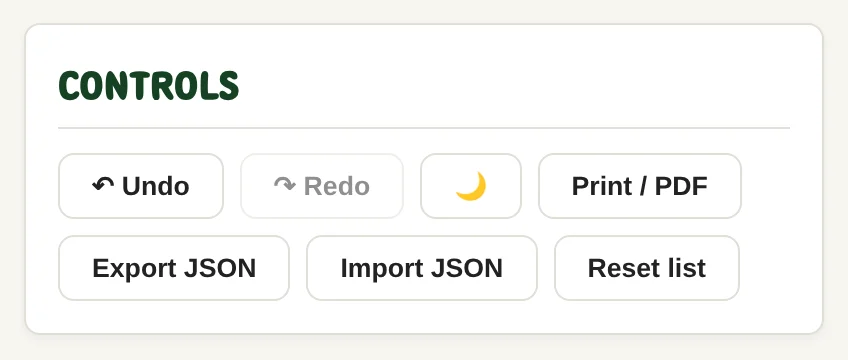
18Print, export, import

123456
  1. 1Undo / redo
  2. 2Light / dark
  3. 3Print or PDF
  4. 4Export a file
  5. 5Import a file
  6. 6Reset the list

19Print layout

Print or PDF gives a clean checklist.

More

20Your account

1
  1. 1Account menu

21Dark mode

1
  1. 1Switch theme

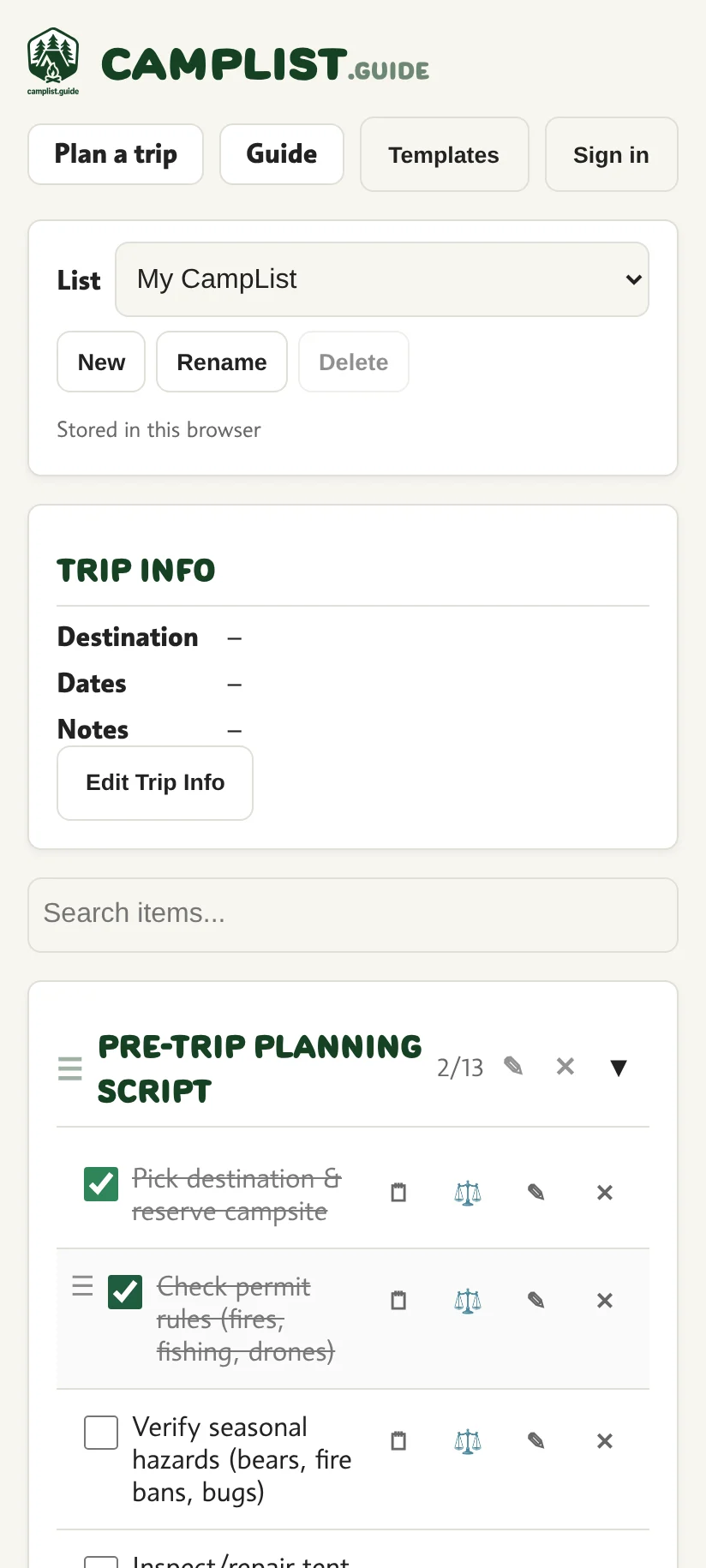
22On your phone

12
  1. 1Templates
  2. 2Tap to check

Top